创建初始项目
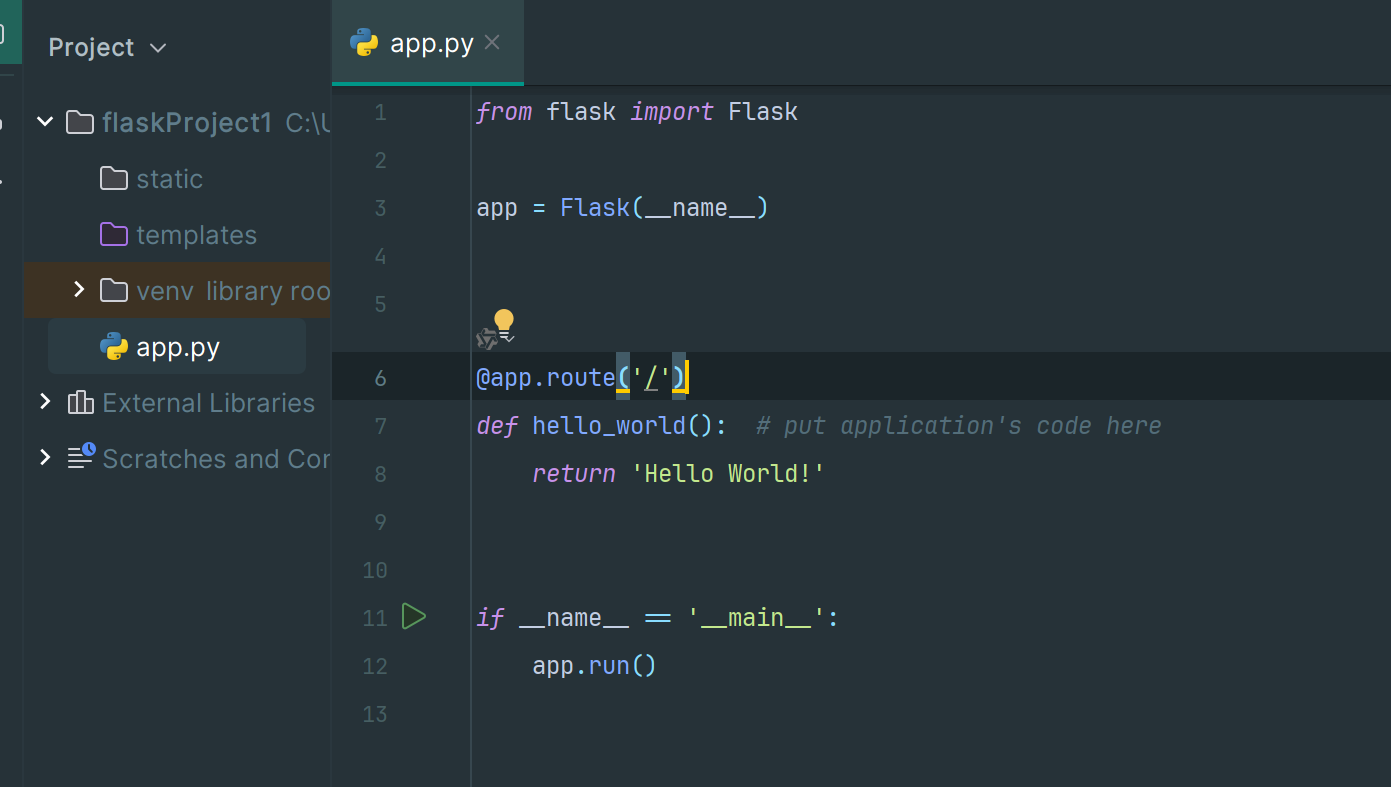
风格和 java 的 controller 层比较像,
当返回 HTML(Flask 中的默认响应类型)时,在输出中呈现的任何值都必须进行转义,以防止注入攻击。
比如我如果转义直接 return ‘’,那么用户浏览器就会执行脚本,很不安全:
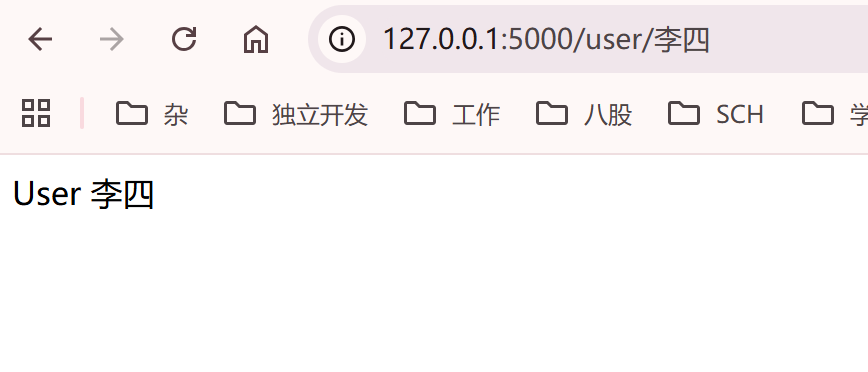
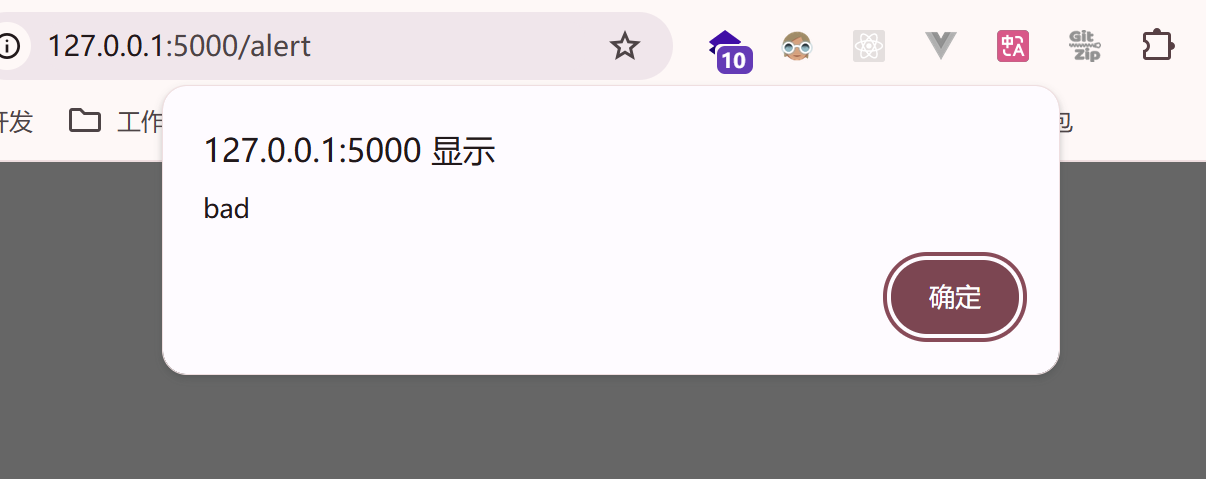 ,而转义之后就会返回普通文本了
 1
 2
 3
 4
 5
 6
 7
 8
 9
10
11
12
13
14
15
16
17
|
from markupsafe import escape

@app.route('/user/<username>')
def show_user_profile(username):
    return f'User {escape(username)}'

@app.route('/alert')
def show_post(post_id):
    return '<script>alert("bad")</script>'

@app.route('/post/<int:post_id>')
def show_post(post_id):
    return f'Post {post_id}'

@app.route('/path/<path:subpath>')
def show_subpath(subpath):
    return f'Subpath {escape(subpath)}'
|
变量转换器
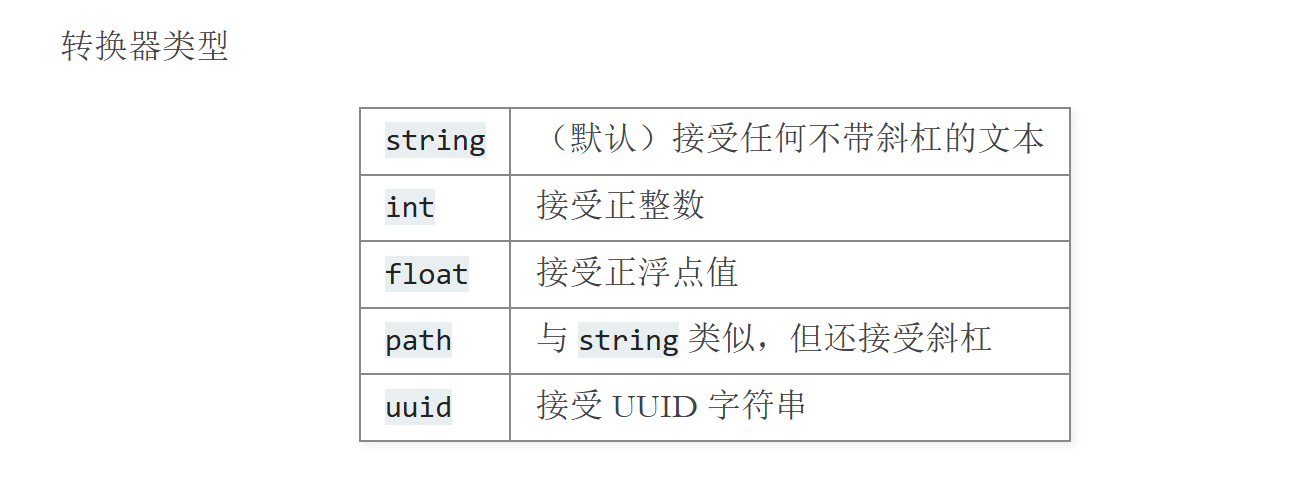
上述的 url 路径中,可以用<variable_name>标记部分来向 URL 添加变量部分,或者用转换器来指定参数的类型,如<converter:variable_name>。
唯一 URL
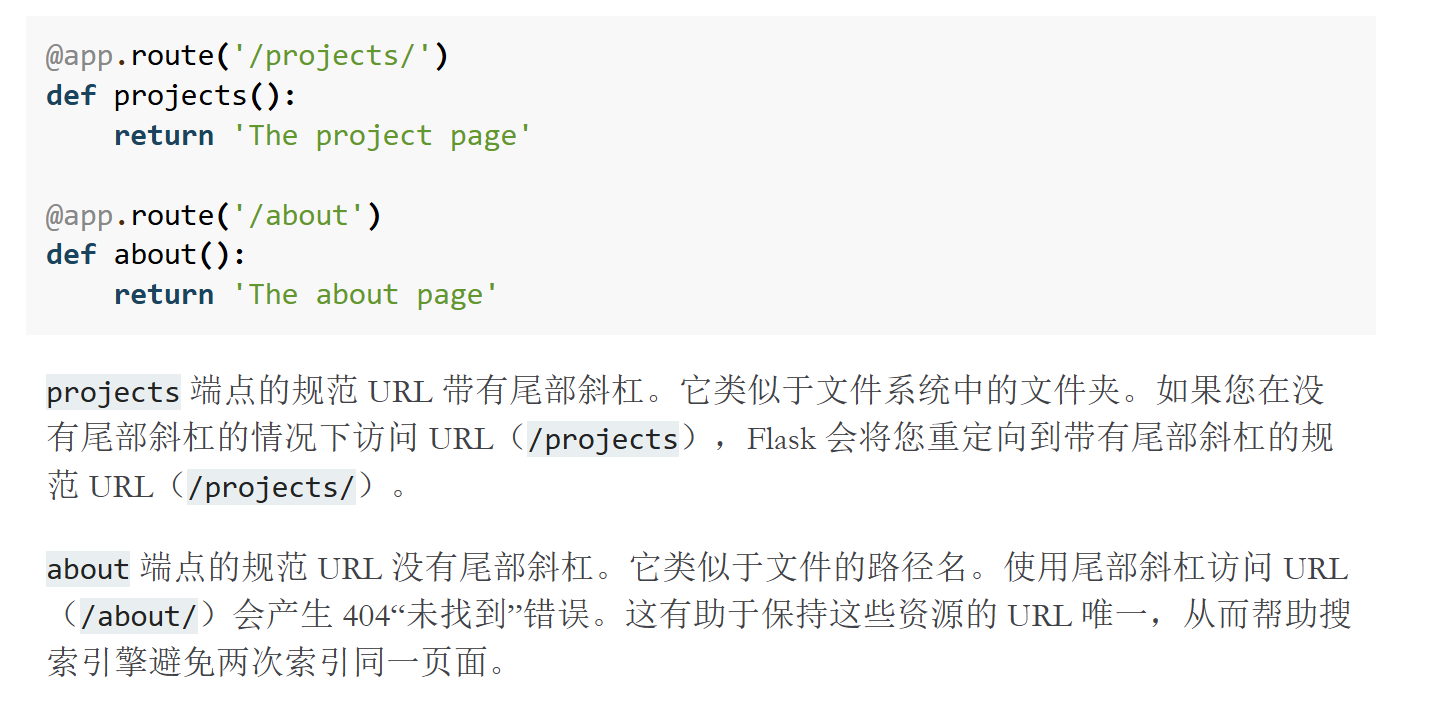
URL 测试
 1
 2
 3
 4
 5
 6
 7
 8
 9
10
11
12
13
14
15
16
17
18
19
20
|
from flask import url_for

@app.route('/')
def index():
    return 'index'

@app.route('/login')
def login():
    return 'login'

@app.route('/user/<username>')
def profile(username):
    return f'{username}\'s profile'

# 会输出每个视图的url,可以测试
with app.test_request_context():
    print(url_for('index'))
    print(url_for('login'))
    print(url_for('login', next='/'))
    print(url_for('profile', username='John Doe'))
|
输出
/
/login
/login?next=/
/user/John%20Doe
post 请求体
 1
 2
 3
 4
 5
 6
 7
 8
 9
10
11
12
|
@app.route('/login', methods=['POST', 'GET'])
def login():
    error = None
    if request.method == 'POST':
        if valid_login(request.form['username'],
                       request.form['password']):
            return log_the_user_in(request.form['username'])
        else:
            error = 'Invalid username/password'
    # the code below is executed if the request method
    # was GET or the credentials were invalid
    return render_template('login.html', error=error)
|
如果要访问 URL 中提交的参数(?key=value),可以使用 args 属性:searchword = request.args.get(‘key’, ‘’)
文件传输
HTML 表单上设置 enctype=“multipart/form-data” 属性
1
2
3
4
5
6
7
8
|
@app.route('/upload', methods=['GET', 'POST'])
def upload_file():
    if request.method == 'POST':
        f = request.files['the_file']
        #保存文件
        f.save('/var/www/uploads/uploaded_file.txt')
        #filename 属性可以获得文件原始名称,但是名称可以伪造,因此使用secure_filename()较为安全
        file.save(f"/var/www/uploads/{secure_filename(file.filename)}")
|
Cookie
1
2
3
4
5
6
|
@app.route('/')
def index():
    # 获取
    username = request.cookies.get('username')
    # 设置
    resp.set_cookie('username', 'the username')
|
Session
基于 cookie 实现,并对 cookie 加密签名,用户只能看不能改,除非知道密钥
 1
 2
 3
 4
 5
 6
 7
 8
 9
10
11
12
13
14
15
16
17
18
19
20
21
|
# session签名密钥
app.secret_key = b'_5#y2L"F4Q8z\n\xec]/'

@app.route('/')
def index():
  # 如果用户名在session中则返回其session值
    if 'username' in session:
        return f'Logged in as {session["username"]}'
    return 'You are not logged in'

@app.route('/login', methods=['GET', 'POST'])
def login():
    if request.method == 'POST':
        session['username'] = request.form['username']
        return redirect(url_for('index'))
    return '''
        <form method="post">
            <p><input type=text name=username>
            <p><input type=submit value=Login>
        </form>
    '''
|
重定向/错误页面
1
2
3
4
5
6
7
8
9
|
@app.route('/')
def index():
    return redirect(url_for('login'))

@app.route('/login')
def login():
  # 401未授权
    abort(401)
    this_is_never_executed()
|
自定义错误页面
1
2
3
|
@app.errorhandler(404)
def page_not_found(error):
    return render_template('page_not_found.html'), 404
|
消息提示
Flask 提供闪烁系统向用户提供反馈。
要闪烁消息,使用 flash() 方法,要获取消息,使用 get_flashed_messages()。
日志记录
1
2
3
|
app.logger.debug('A value for debugging')
app.logger.warning('A warning occurred (%d apples)', 42)
app.logger.error('An error occurred')
|